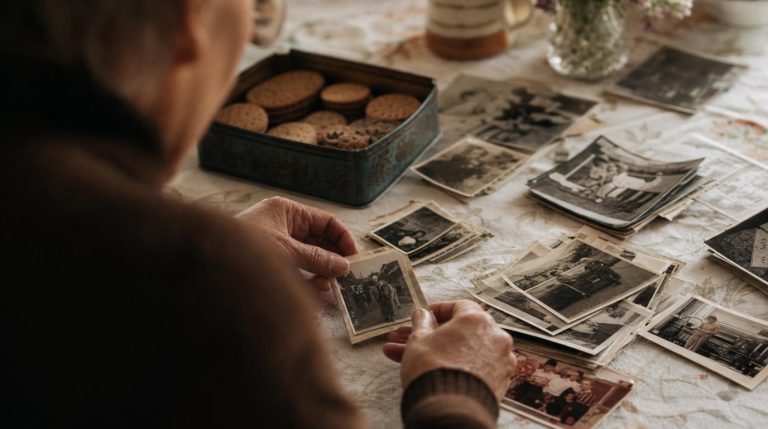
An archive is just care, repeated. You do not need special software or a spare room. A family archive is simply your recordings, photographs, documents, and memories, named clearly, stored safely, and backed up so that no single accident can lose them.
Set it up once, keep the habit, and everything you gather from here on has a safe home.
- A computer, and an external drive
- A cloud account for off-site backup
- Half an hour to set it up
- A simple, consistent naming habit
The five steps
Choose simple, lasting formats
Save photographs and scans as JPEG, audio as MP3 or WAV, documents as PDF. Common formats will still open in decades; unusual ones may not, and that is how collections quietly become unreadable.
Name files so a stranger could understand
Use a clear pattern: year, then people, then place or event. For example, 1974-Nan-and-Grandad-Blackpool. Your grandchildren should be able to read the name and know exactly what it is.
Keep one tidy folder structure
One main folder, with a few clear folders inside: Photographs, Recordings, Documents, Written memories. Simple and consistent beats clever and complicated every time.
Back up in three places
The rule archivists trust: three copies, on two different kinds of storage, with one kept somewhere else. For a family that can mean your computer, an external drive, and a cloud account.
A single copy is not a backup. Drives fail, phones are lost, clouds close accounts. Three copies is the difference between safe and sorry.
Tell someone where it is
An archive no one can find is no archive at all. Make sure at least one other person in the family knows where it lives and how to reach it.
Keeping it alive
Check it once a year. Pick a date, open a few files, and make sure they still work and the backups are running. Drives fail quietly; a yearly check catches it in time.
Add as you go. Every new recording or scan goes straight into the folder, named properly, there and then. The archive stays tidy because you never let it drift.
Keep the originals too. Digital copies are for safety and sharing. Keep the original prints and papers as well, somewhere cool, dry, and out of the light.
Common questions
Which cloud service should I use?
Any reputable one you will actually keep paying for: the point is that it is off-site and automatic. What matters far more than the brand is that it is one of your three copies, not your only one.
How much will this cost?
Very little. An external drive is a one-off cost, and a family cloud plan is a few pounds a month. Set against losing decades of irreplaceable memories, it is the cheapest insurance there is.
Is this not overkill for a few family photos?
The families who think so are the ones who later lose everything to a dropped phone or a dead laptop. The setup takes half an hour once; the safety lasts for good.